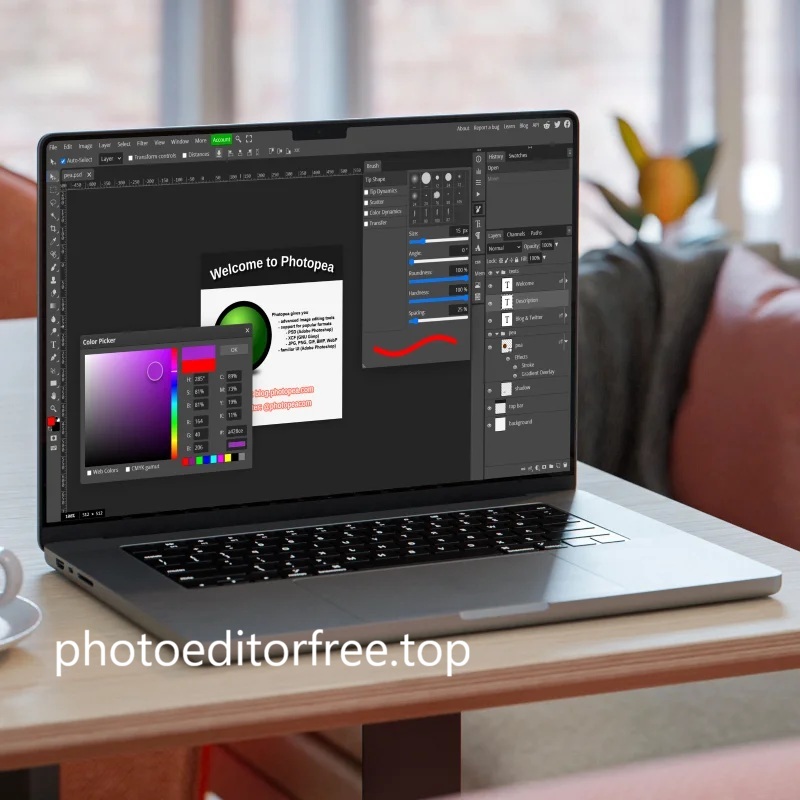
Photography is arguably one of the most popular pursuits today. While anyone can become a photographer using the gadgets they own, the role of the photo editor has also become well-known.
What exactly does a photo editor do?
Specifically, a photo editor is responsible for enhancing and refining images captured by photographers to make them better and more visually appealing.
Furthermore, the resulting images are expected to effectively convey the intended message to the viewer.
A photo editor is a professional who selects and edits a batch of photos, preparing them for publication across specific media platforms.

Photo Editor Responsibilities
According to The Balance Careers, unlike editors in journalism who share the same core task as reporters—writing—photo editors have a different role.
Photo editors rarely take photographs themselves. Instead, they are responsible for devising visual concepts that serve as the creative idea and direction for photographers during shoots.
Additionally, according to Media Bistro, photo editors are responsible for assigning and coordinating tasks for photographers. They then select and approve the images to be used.
Within a company, photo editors also handle fee negotiations and secure the necessary permissions to capture images based on their concepts.
Here are some of the responsibilities of a photo editor:
- coordinating with the team to identify the requirements for each photoshoot,
- assigning tasks and providing direction to photographers to ensure projects meet expectations and deadlines,
- reviewing, editing, and making necessary adjustments to photographic material to achieve the highest quality,
- selecting photos suitable for publication,
- ensuring all photos are captured and edited in accordance with the publication timeline,
- advising the team on future projects,
- staying up to date with developments in the world of photography.
Required Skills
A photo editor needs creativity and a keen eye for identifying locations and concepts for photography. You need to have a strong interest and background in photography and art.
Becoming a professional photo editor does not strictly require specific certifications or degrees. However, possessing fundamental knowledge of photography—such as color balance and lighting—is essential.
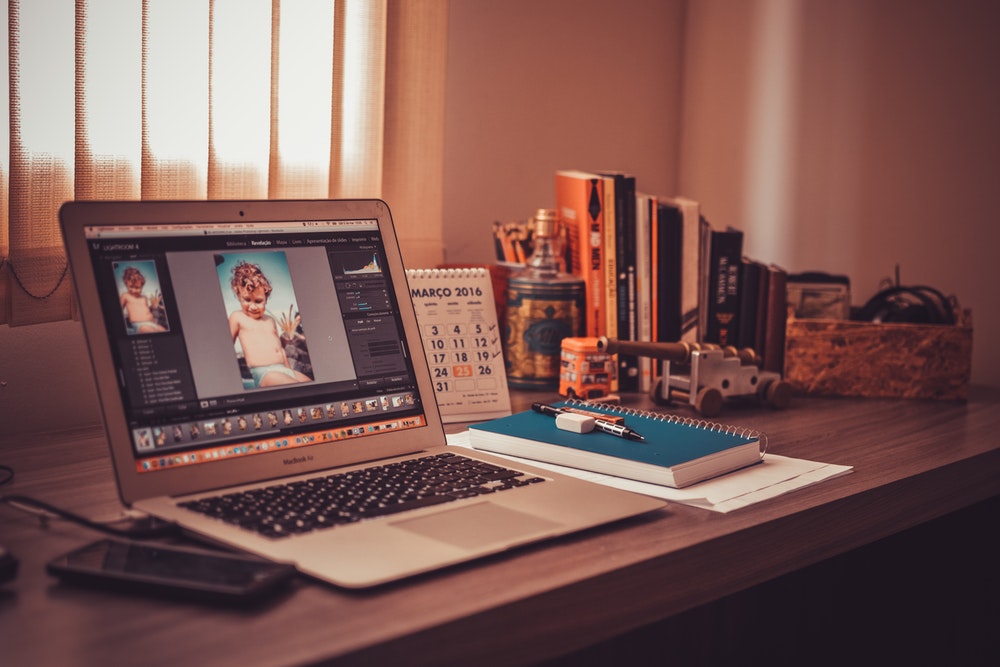
You need proficiency in using photo editing software; Photoshop is the industry standard.
Other software, such as Illustrator and Lightroom, is also widely used to enhance images.
Editors also require business acumen to negotiate requirements during the photoshoot process and need to maintain an extensive network of industry contacts.
Knowledge regarding the specific requirements of each photoshoot is also necessary.
For instance, when organizing a shoot to promote a clothing brand, the photo editor must consider everything from the appropriate location to post-shoot finishing touches.
This ensures the brand’s image is conveyed and the clothing is effectively marketed without altering the actual details of the garments.
Photoshoots intended for product sales naturally have different requirements compared to fashion model shoots or portrait sessions for public figures.
Editors must also select the right photographer for each type of shoot based on the project’s concept and objectives.
Common requirements for a professional photo editor include:
- relevant work experience and a strong portfolio,
- proficiency in photo editing software,
- solid knowledge of photography techniques, studio management, and color composition,
- creativity and a keen eye for detail,
- ability to work under pressure with good time management skills,
- ability to work effectively within a team, including in a leadership role.
You can pursue a career as a full-time editor for companies such as media outlets or agencies, or work as a freelancer on specific projects.
Given the abundance of job opportunities, choose a project or company that allows you to process photos according to your own style.
This way, it will be easier for you to produce the best possible, satisfying results.